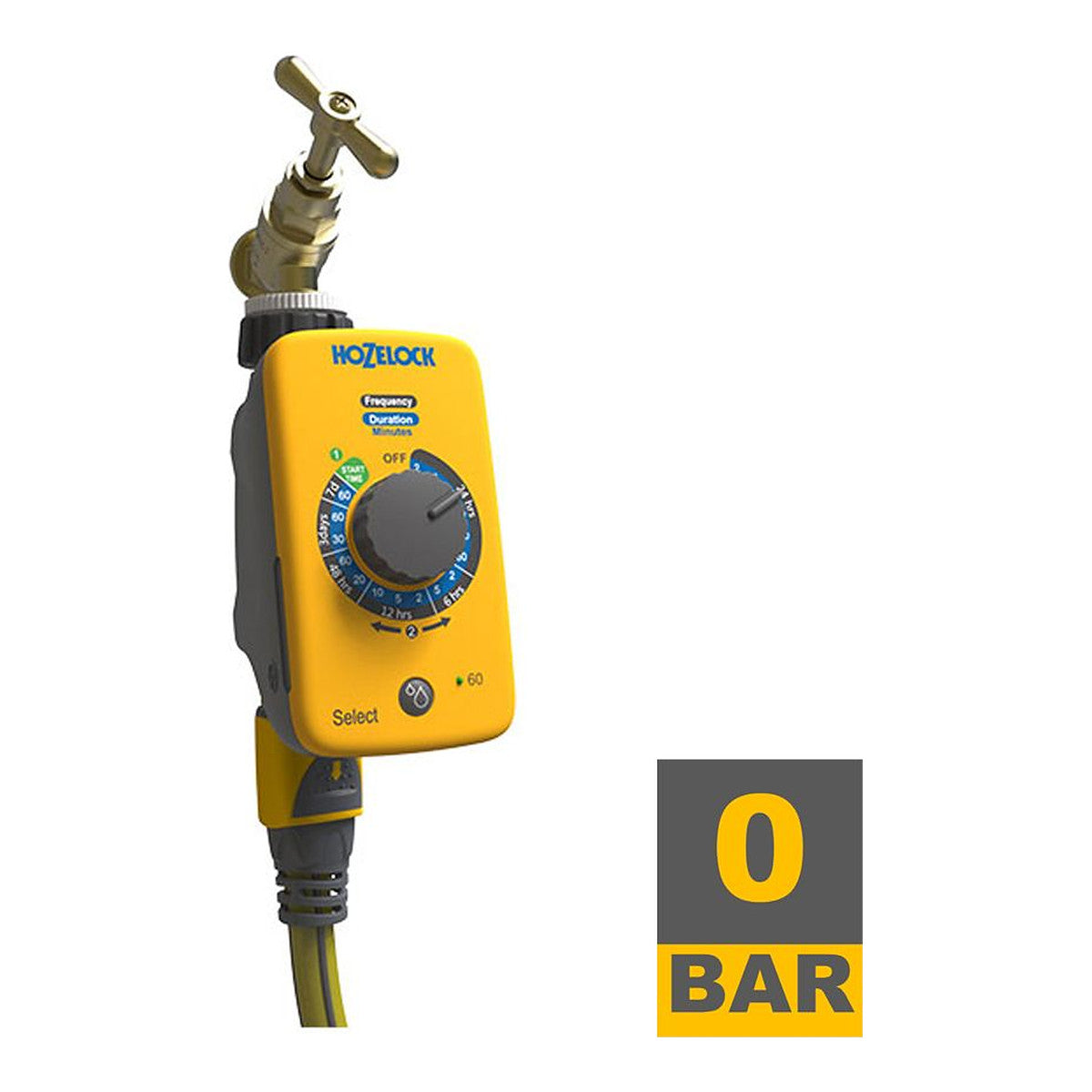
Hozelock Select Controller Analog Irrigation Timer – Automate the tap with two dials
Hozelock Select Controller Analog Irrigation Timer – Automate the tap with two dials
 Pay in one tap with Bizum — no extra fees.
-
Type: Analog tap timer
-
Programming: Rotary dials
-
Color: Yellow
-
Reference: 2220 1240
-
Use: Garden, orchard and terrace
-
Weight: 0.497 kg


Discover the benefits of the PRO CLUB
Discounts of up to -12%, priority shipping and more.
Easy returns within 15 days
No questions asked
Description
- ⏱️ Two dials, nothing more: One dial for the frequency and another for the watering duration.
- 💧 No screen: Analog programming that won't be erased or lose its settings.
- ☀️ Outdoor use: Designed to stay on the tap all season long.
- 🔗 Hozelock quality: Manufacturer reference 2220 1240.
- 📅 Constant watering: Keeps your crops watered while you're away.
Automate watering with two turns of the dials and forget about it.
Full description
Hozelock Select Controller Analogue Irrigation Timer
Hozelock analogue tap timer (manufacturer ref. 2220 1240) that automates watering with just two rotary dials: one for frequency and one for duration. With no screen or menus, it is ready to use immediately and there are no settings to lose. Its characteristic yellow body withstands continuous outdoor use.
Key features
- Analogue programming using rotary dials, with no screen or complex configuration.
- Independent adjustment of watering frequency and the duration of each cycle.
- Designed to remain installed on the tap throughout the season.
- Hozelock yellow body, easy to locate in the garden.
- Manufacturer ref. 2220 1240.
Technical specifications
- Brand: Hozelock
- Model: Select Controller
- Manufacturer ref.: 2220 1240
- Type: Analogue tap timer
- Colour: Yellow
- Weight: 0.497 kg
- EAN: 5010646061742
Warranty
At GrowIndustry we only work with proven quality products and trusted brands.
Every item goes through a check before shipping to make sure it arrives in perfect condition and ready to use.
Your satisfaction is our priority.
How to use