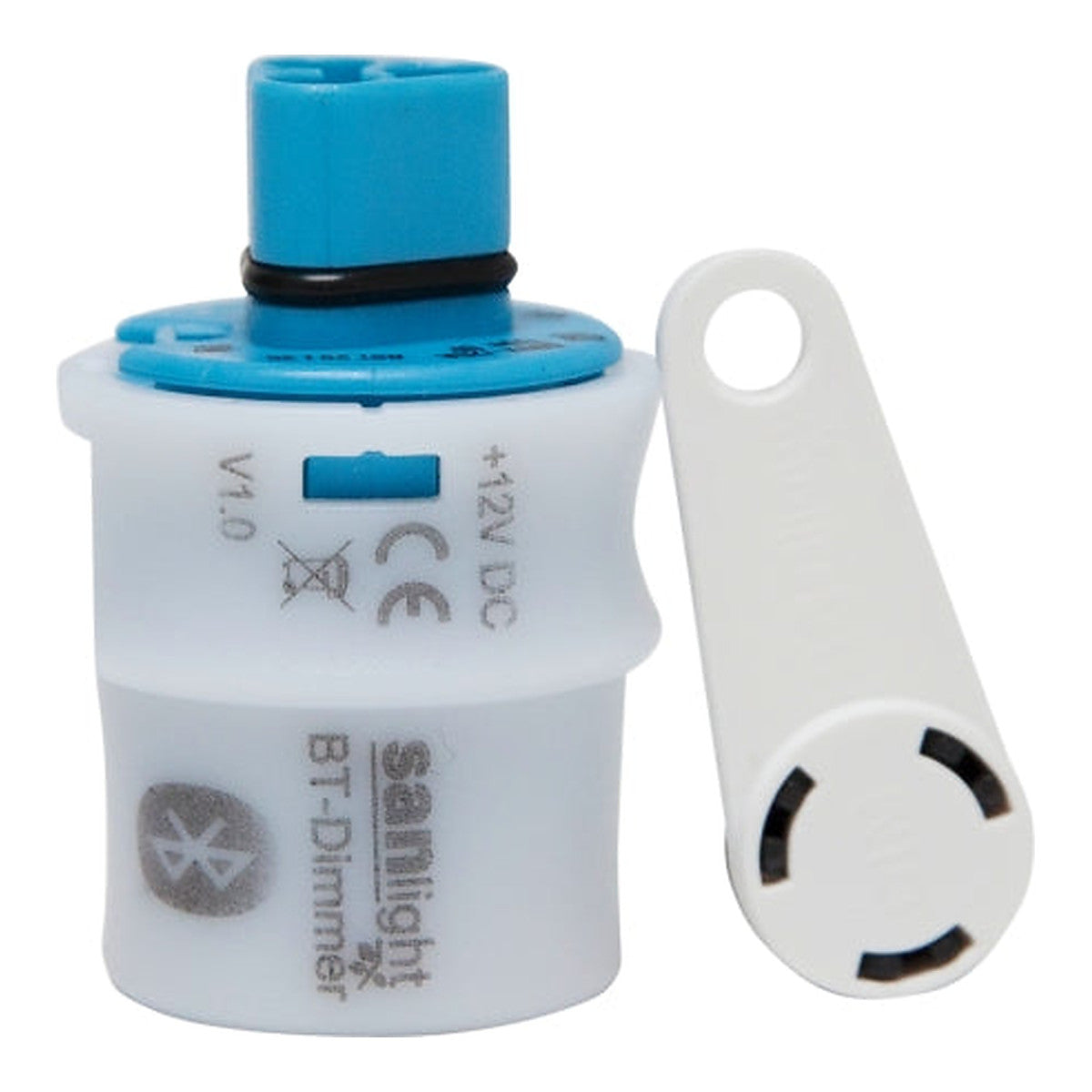
SANlight BT-Dimmer Bluetooth – App-Controlled Dimming Controller for the EVO Series
SANlight BT-Dimmer Bluetooth – App-Controlled Dimming Controller for the EVO Series
 Pay in one tap with Bizum — no extra fees.
-
Type: Bluetooth Dimmer
-
Compatible: SANlight EVO Series
-
Not compatible: Q-Series Gen2
-
App: Android Only
-
Connection: Wireless, no signal cable
-
Weight: 0.2 kg (estimated)


Discover the benefits of the PRO CLUB
Discounts of up to -12%, priority shipping and more.
Easy returns within 15 days
No questions asked
Description
- 🎚️ App control: Adjust the intensity from your phone via Bluetooth.
- 🔌 No signal wiring: No 0-10 V controller or electrical work required.
- 💡 EVO series only: Not compatible with Q-Series Gen2.
- ⚠️ Android app only: The manufacturer does not release an iOS version.
- 🌿 From cuttings to harvest: Lower the intensity without moving the light fixture.
The accessory that turns your SANlight EVO into a light fixture dimmable from your phone.
Full description
The BT-Dimmer is SANlight’s official dimmer for the EVO series. It connects to the luminaire and allows you to adjust the intensity from your phone via Bluetooth, without wiring any 0-10 V controller or touching the electrical installation.
⚠️ Two limitations you should know
- Only EVO series. Not compatible with Q-Series Gen2.
- Android only. The manufacturer does not publish an app for iOS.
If your luminaire is a Q Gen2 or you use an iPhone, this accessory is not for you: ask us for alternatives.
What dimming is for
Reducing intensity during the first weeks of growth helps avoid stressing small plants, and lets you use the same luminaire from clone to harvest without constantly changing its height. It also reduces consumption when 100% is not needed.
Technical data
- Type: Bluetooth dimmer
- Compatibility: SANlight EVO series
- Not compatible: Q-Series Gen2
- App: Android only
- Control: wireless, no signal wiring
The published weight is an estimate.
Warranty
At GrowIndustry we only work with proven quality products and trusted brands.
Every item goes through a check before shipping to make sure it arrives in perfect condition and ready to use.
Your satisfaction is our priority.
How to use